

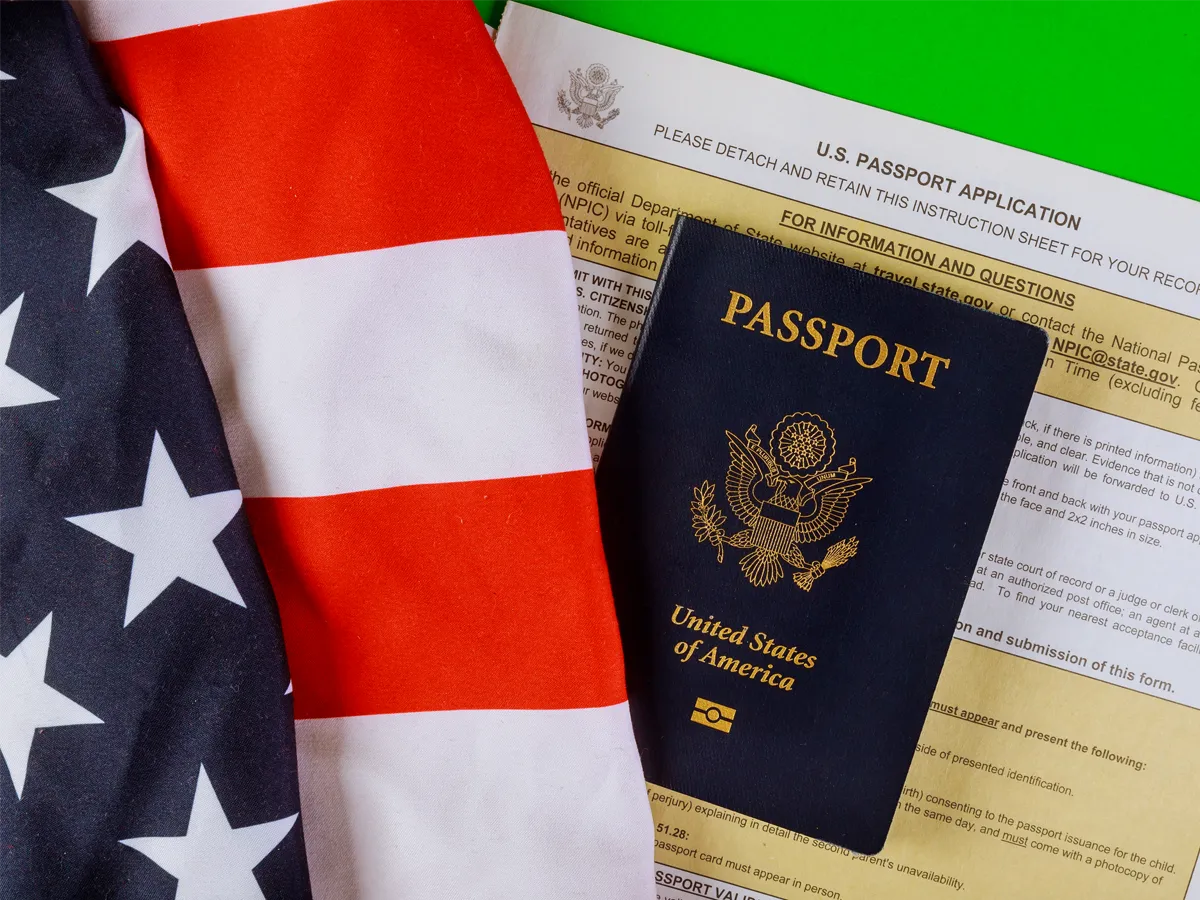
There are three official ways to track your passport application or renewal: online, by email, or by phone.
The fastest and most convenient method is the online portal through the U.S Department of State. It’s available 24/7, so you can check it whenever you want without waiting for anyone.
How to check status of U.S passport application online
To check your passport status on the official portal, follow these steps:
- Go to the official site: Visit passportstatus.state.gov.
- Accept the terms: Read the privacy statement, then check the box to move forward.
- Enter your information. You will need three things:
- Last Name: Exactly as it appears on your application.
- Date of Birth: Use the format MM/DD/YYYY.
- Social Security Number: Only the last 4 digits.
Note: It can take up to 14 days for the system to show your information after you mail your application. Until then, your status will show as “Not Available.”
Get automatic email updates for your passport application
This method is “passive.” You can’t send an email to request an update, but you can sign up to receive them automatically.
If you provided an email address on your application, the agency will notify you every time your status changes (e.g., from “Received” to “Approved”). Make sure that you spelled your email address correctly and that it is still active.
If you didn’t provide an email address, don’t worry. You can register your email on the online portal mentioned above to start receiving alerts.
Important: Always check your Spam or Junk folder. Sometimes these official notifications end up there. Also, do not email support addresses to ask about your status, as they won’t reply.
How to check your passport status by phone
The last option is to call the National Passport Information Center. Honestly, this is only a good idea if you’re in a huge rush, like if you have a trip in fewer than three business days and the website hasn’t updated. If so, you can call to try to schedule an emergency in-person appointment.
To speak with a representative, call one of these official numbers:
- Primary Line: 1-877-487-2778
- For the hearing impaired (TDD/TTY): 1-888-874-7793.
However, if you just want an update on the status of your passport application, I don’t recommend calling. The lines are usually jammed, and you’ll waste a lot of time on hold. Also, you usually won’t receive any information that isn’t already on the website.
What does a passport status update mean?
When you check the official website to track your application, you will see several status messages. Here is a simple breakdown of what those messages mean and how you should proceed in each case.
| Passport Status | What it Means | What You Should Do |
| Status Not Available | Your application hasn’t reached the processing center yet, or there is a temporary system glitch. | Wait. It can take up to 2 weeks to show up in the system. |
| In Process | It’s there! The State Department team is currently reviewing your documents. | Be patient. Just wait while they verify your information. |
| Approved | Great news! Your application passed the review and they are printing your passport. | Check your email. You should get a shipping notice soon. |
| Mailed | Your passport is on its way to the address you put on your application. | Check the portal. Log back in to find your tracking number. |
| Supporting Docs Mailed | This refers to your birth certificate or old passport you sent as proof. | These are almost always sent back in a separate envelope. |
FAQs:
How can I track my U.S. passport application status?
The fastest and most reliable way is through the Online Passport Status System. You will need your last name, date of birth, and the last four digits of your Social Security number.
What does the status ”Not Available” message mean?
It means that your application hasn’t been entered into the system yet. It can take agents up to two weeks to log your information into the database, so you just need to wait.
If more than 14 days have passed and you still see this error, double-check your personal information for typos. If everything is correct and it still isn’t showing up, call the National Passport Information Center at 1-877-487-2778 (or 1-888-874-7793 for TDD/TTY).
Can I get automatic updates?
Yes. When you check your status online, you’ll see an option to register your email address. We highly recommend doing this so you receive an automatic alert every time your application moves to a new phase (e.g., from “In Process” to “Approved”).
Does the online status show processing times?
No, the tracker only tells you what stage your document is in. To find out how long the current wait is, check out our blog: U.S Passport Application Timeline 2026.
Good information
Hi Linda,
Thanks so much for your comment! We’re glad this information helped you with the process. On our blog, you’ll find more articles that guide you through each step you need to take after obtaining citizenship. If you have any other questions, please don’t hesitate to reach out to us. We’re here to help!